Do you remember your childhood when you, as a kid, used play outdoor games majorly and there was not a sign of Android OS. Then I hope all of you have also played a lot of games that was in keypad mobiles that was called Java games majorly. That games are still available on internet but you can’t play them due to different OS.
But if you still want to play these games again in your android mobile to refresh these memories again, this blog is for you. In this blog I’ve described how to install java apps and games on Android mobiles.
To do that, you need to follow these steps :
1. At first you need to install an app that is called J2ME loader. It is available on Google Play Store. Just click on the link that will lead you to google play store.
2. After installation, just open the app. The first interface will be look like below.

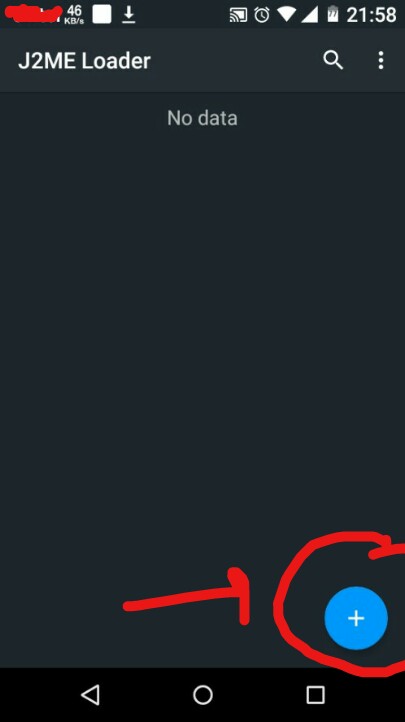
3. Now you have to Download the Game from The Internet which you want. There are various websites where your game is available. You can also download from our website. Just comment me below which game you want. You can try Gangstar_West_coast_hustle from our website.
4.Now open the app and tap on the + icon and open the directory where you downloaded the .jar game and tap on it to install the game.
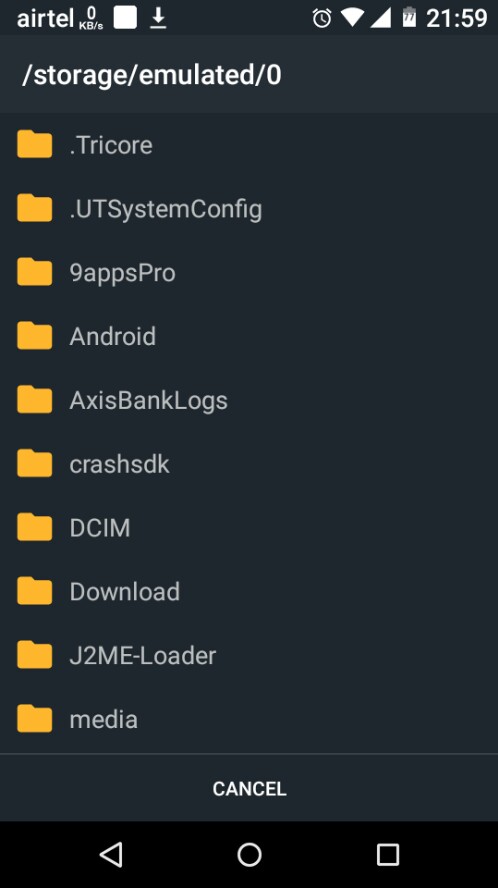
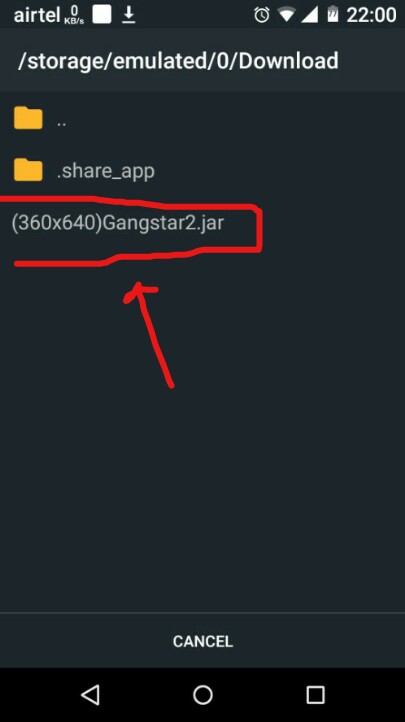
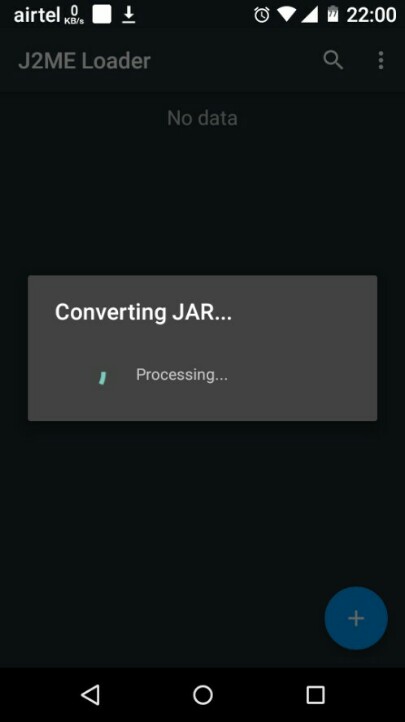
5. Simply wait until your game installed and then simply start. First you have to set screen size/resolution.
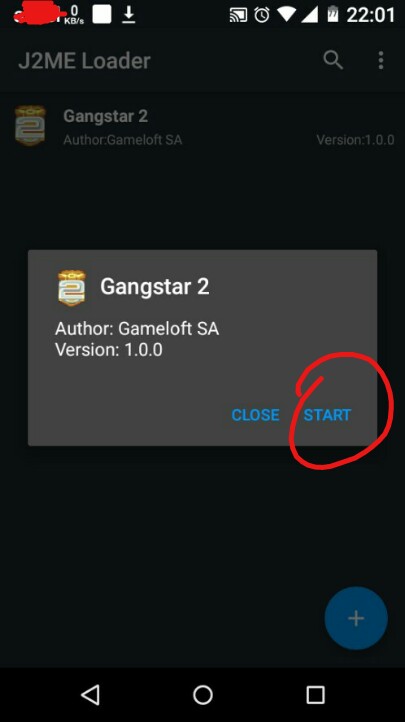
6. Then tick the boxes as shown in photos. Then start
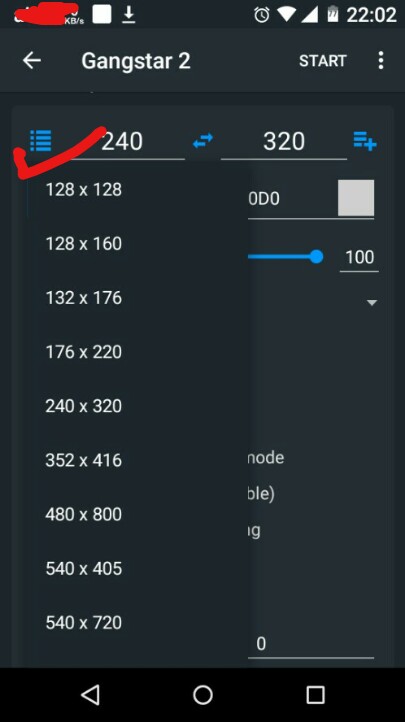
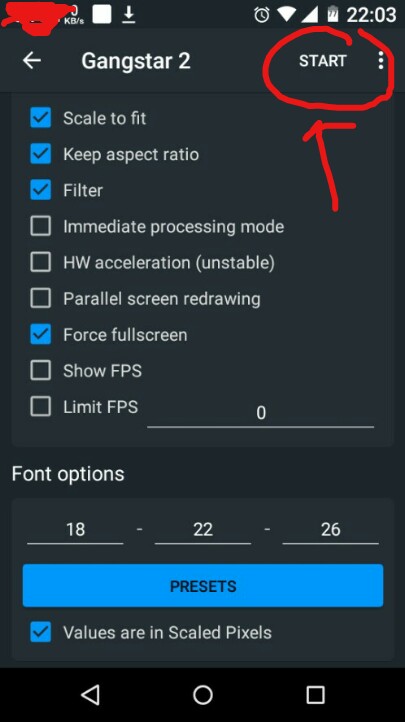
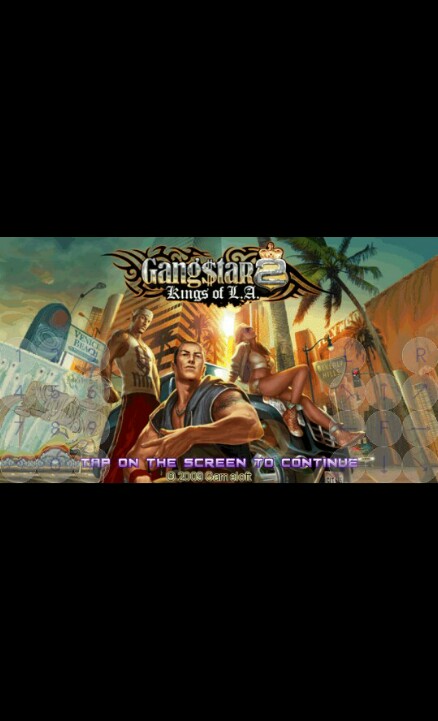
So finally your game is ready to play.
Hope you like the blog. Kindly leave a like and comment me which game you want.
 G_Zone